
Start with Clear Campaign Objectives
Set a specific goal, whether it is brand awareness, lead generation, or product sales. Your entire strategy should revolve around it.
 United States (USD)
  Australia (AUD)
  Germany (EUR)
  Austria (EUR)
  Switzerland (CHF)
Please change the country to one that uses the same currency as used in the shopping cart using the menu in the top right hand corner and re-add the items to your shopping cart.

How can we help you?

Please change the country to one that uses the same currency as used in the shopping cart using the menu in the top right hand corner and re-add the items to your shopping cart.
From targeting to optimization, unlock tactics that drive real streaming ad results. Plan smarter, create better, scale with confidence.
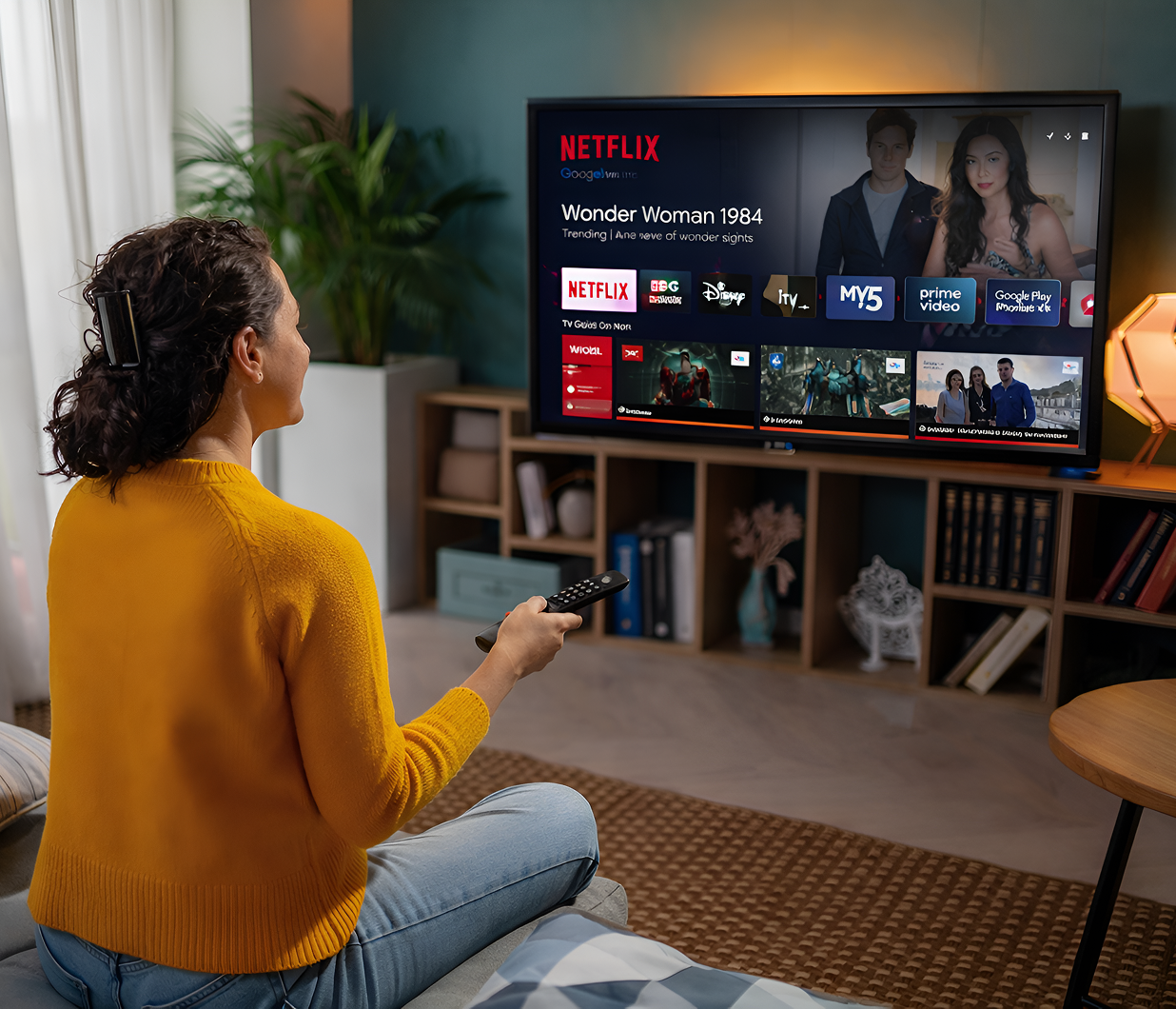
Advertising on Connected TV (CTV) and streaming platforms like Netflix, Disney+, YouTube, and Amazon Freevee has become one of the most powerful ways to reach today's audiences. With viewers spending more time than ever watching ad-supported streaming content, brands have a unique opportunity to engage audiences on the biggest screen in the house with the precision and control of digital.
Whether you're building awareness, launching a new product, or driving traffic to your website, streaming ads deliver high impact in a premium environment. The key is knowing how to use the format effectively.
That's where AllMediaDesk comes in.
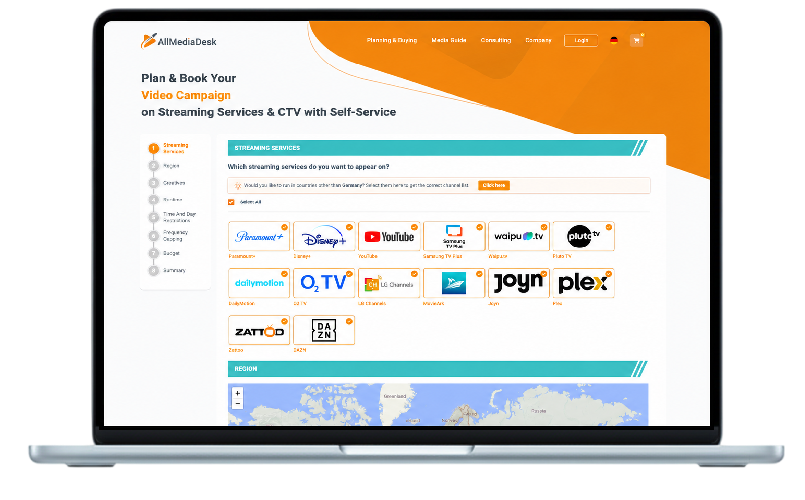
Our self-service platform gives advertisers direct access to premium video inventory across CTV and streaming services without needing a media agency. With advanced targeting options and a simple planning tool, you can launch a campaign in just a few clicks.
Set a specific goal, whether it is brand awareness, lead generation, or product sales. Your entire strategy should revolve around it.

You are showing ads on HD and 4K TVs. Low-budget content will stand out in a bad way.

Grab attention within the first few seconds. Viewers should know the value of your message right away.

Stick to 15-30 seconds. Deliver one clear message, fast and memorably.

Use large text, bold visuals, and direct messaging. Assume the viewer is 10 feet from the screen.

Customize your messaging based on the viewer's location. This is great for regional offers or store openings.

Define your audience by age, gender, interests, or household behavior where available so you reach the right people.

Experiment with different creatives, CTAs, or offers. See what resonates best and optimize accordingly.

TV ads typically play with sound, but do not rely on audio alone. Use text or subtitles for clarity.

Tell the viewer what to do next, whether it is visiting your website, scanning a QR code, or making a purchase.

Avoid showing the same ad too often to the same user. It saves budget and keeps your message fresh.

Track impressions, completion rates, and reach. Adjust on the fly when needed.

Do not limit your reach. Combine Netflix, Disney+, YouTube, and Freevee for a broader and more diverse audience.

Viewers might watch on TVs, tablets, or phones. Make sure your content looks great on all screen sizes.

Look beyond impressions. Analyze engagement, completion rate, and any follow-up actions from viewers.

Use performance insights to improve your creative and targeting over time. Streaming is a medium where constant refinement pays off.